Appearance
🔐 Admin Login
Accessing the Admin Panel
To begin managing the system, authorized Admin and Admin Users must log in to the Asset Management System’s Admin Control Panel using the secure login page.
🔗 Login URL:
https://asm.coreninesolutions.com/login
You will see a login screen as shown below:
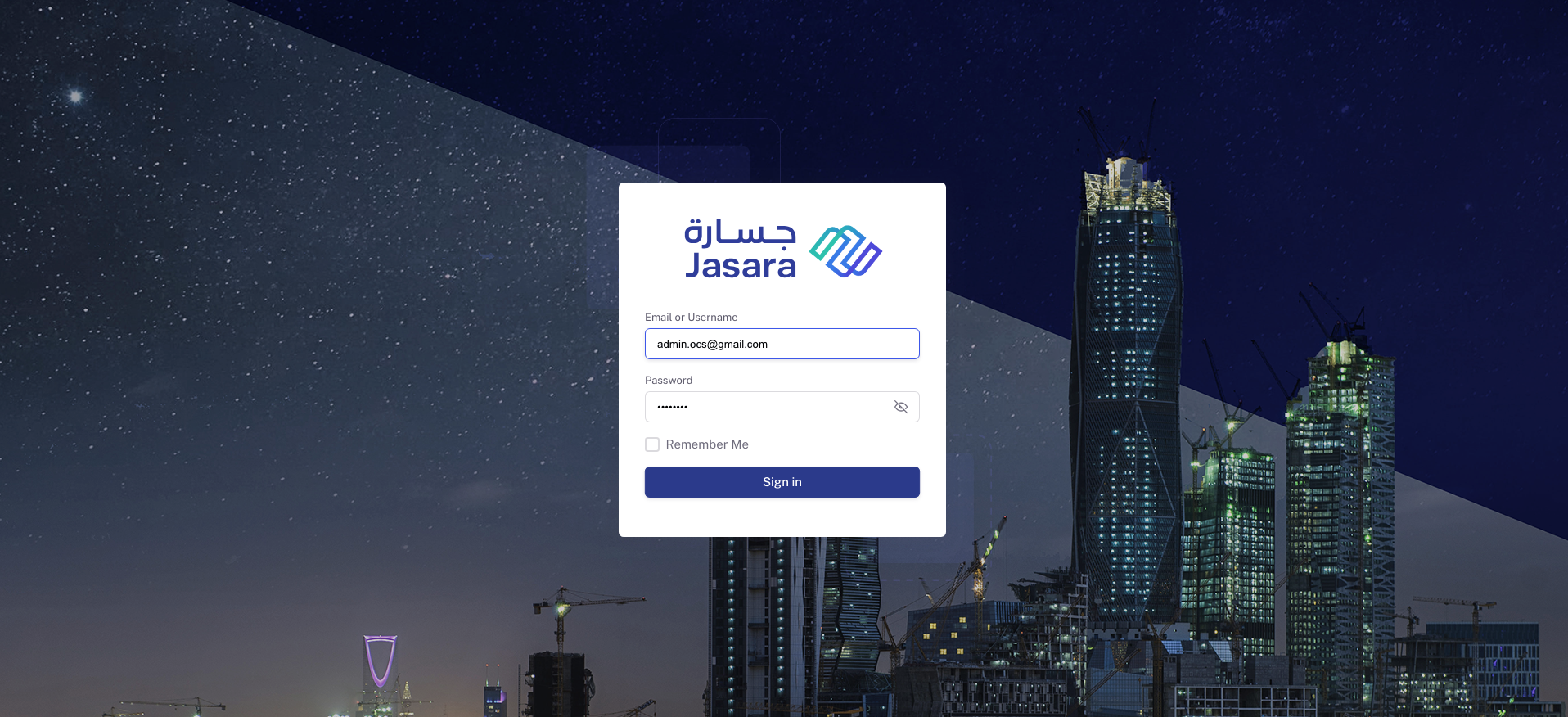
Admin Control Panel - Login
Credentials and Security
- Admin user will receive the login credentials via email.
- Credentials are shared only through official communication for security purposes.
- The login includes:
- Email or Username
- Password
- Optional: “Remember Me” checkbox for faster login on trusted devices
Important Notes
- Your access is role-based, so features in the backend will be available depending on your permission level.
- For security reasons, always log out after completing your session if using a shared or public device.
✅ Proceed to the next section: Dashboard Overview to explore the control panel layout and key metrics.