Appearance
🏢 Company Settings
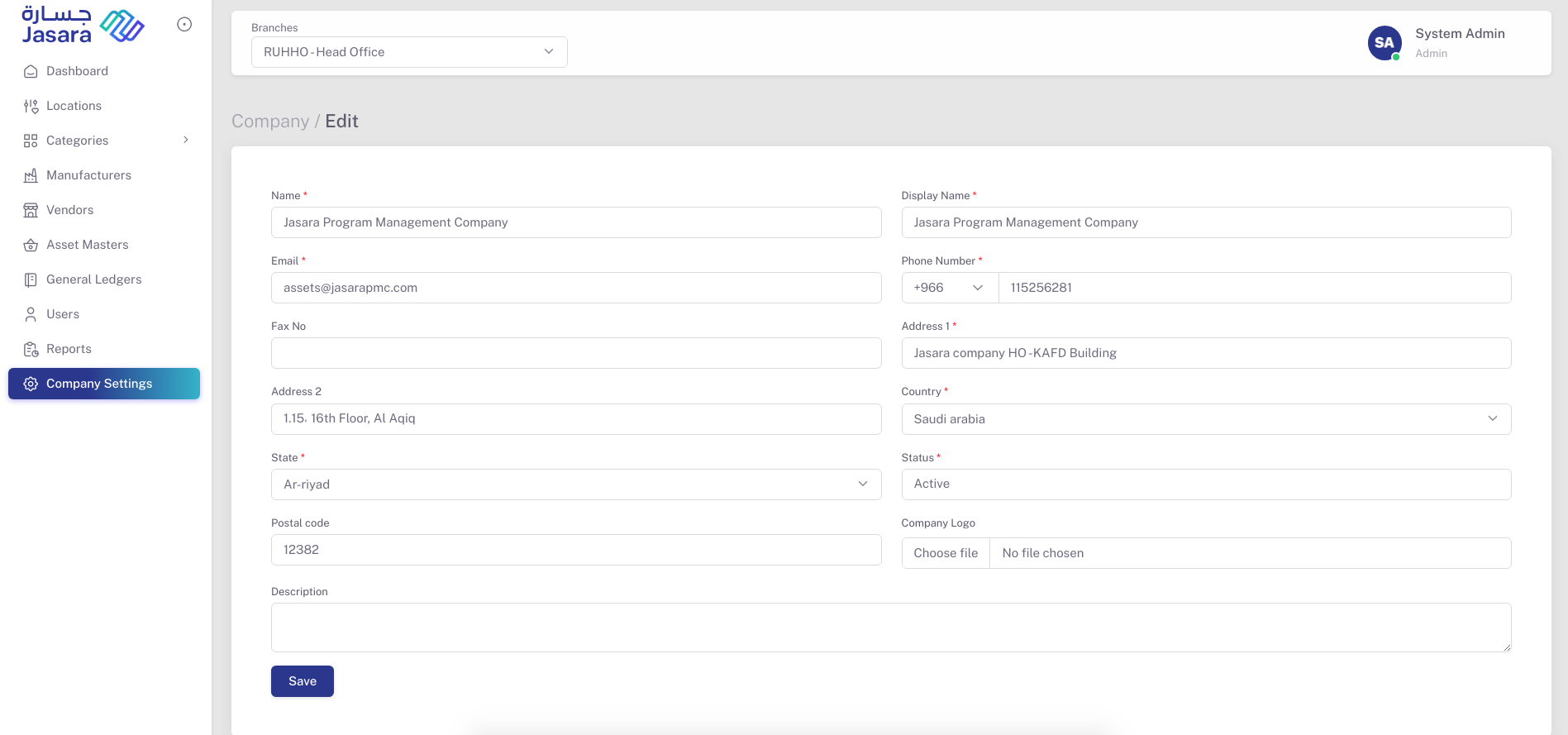
The Company Settings module allows the system admin to set and update primary information related to the company:
- Company Name and Display Name
- Branch (Head Office or Other)
- Email ID and Phone Number
- Country, State, Postal Code
- Primary and Secondary Addresses
- Company Logo
- Active/Inactive Status
This section ensures the company’s identity is properly mapped across all modules and appears in reports and exports for standardization and branding.