Appearance
📊 Dashboard
The Dashboard provides a high-level summary and actionable interface for users to navigate essential features quickly and view the system’s operational state.
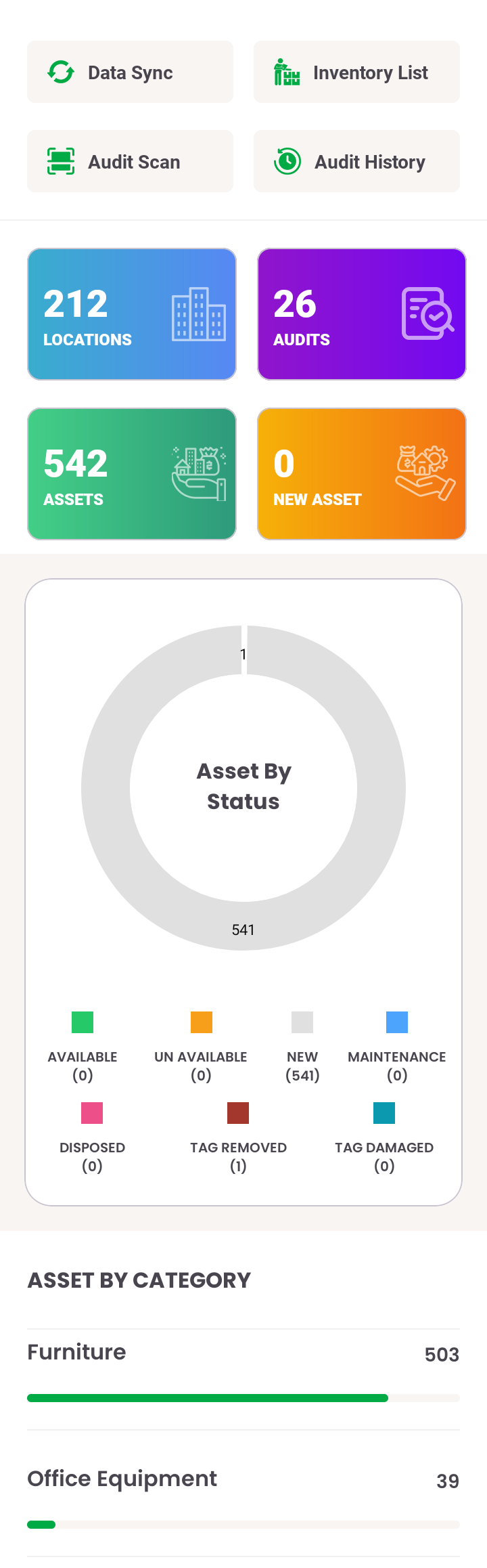
🔄 Top Quick Actions
- Data Sync: Syncs data with the backend for latest audit and asset information.
- Inventory List: Opens the full list of available assets.
- Audit Scan: Launches the RFID scanning module.
- Audit History: View the log of completed audits.
📌 Dashboard Overview Sections
- Location Count: Displays total number of active locations.
- Audit Summary: Reflects the number of audits performed.
- Asset Count: Tracks the total and categorized assets.
- New Assets: Highlights recently added assets.
- Asset Status Summary: Graphical view of asset conditions such as Available, Maintenance, Disposed, etc.
- Category-wise Asset Distribution: Bar chart representation for major asset categories like Furniture, Office Equipment, etc.
This section gives mobile users a practical launchpad to understand, manage, and begin asset-related operations efficiently.