Appearance
🔐 User Authentication
The User Authentication section is the starting point of the Asset Lite Mobile App. It ensures a secure login flow for users, including password protection and recovery mechanisms to maintain access integrity.
🚀 Application Launch
- Launch the App
- Reinforces system trust and provides a visually consistent welcome.
- Transitions automatically to the login interface.
.png)
🔑 Login Screen
- Input Fields: Employee ID / Email Address and Password.
- Features:
- Friendly welcome text: “Hello there! Welcome Back.”
- Password field with show/hide option.
- “Forgot Password?” link for easy access to recovery.
- Action: On successful login, users are directed to the dashboard.
.png)
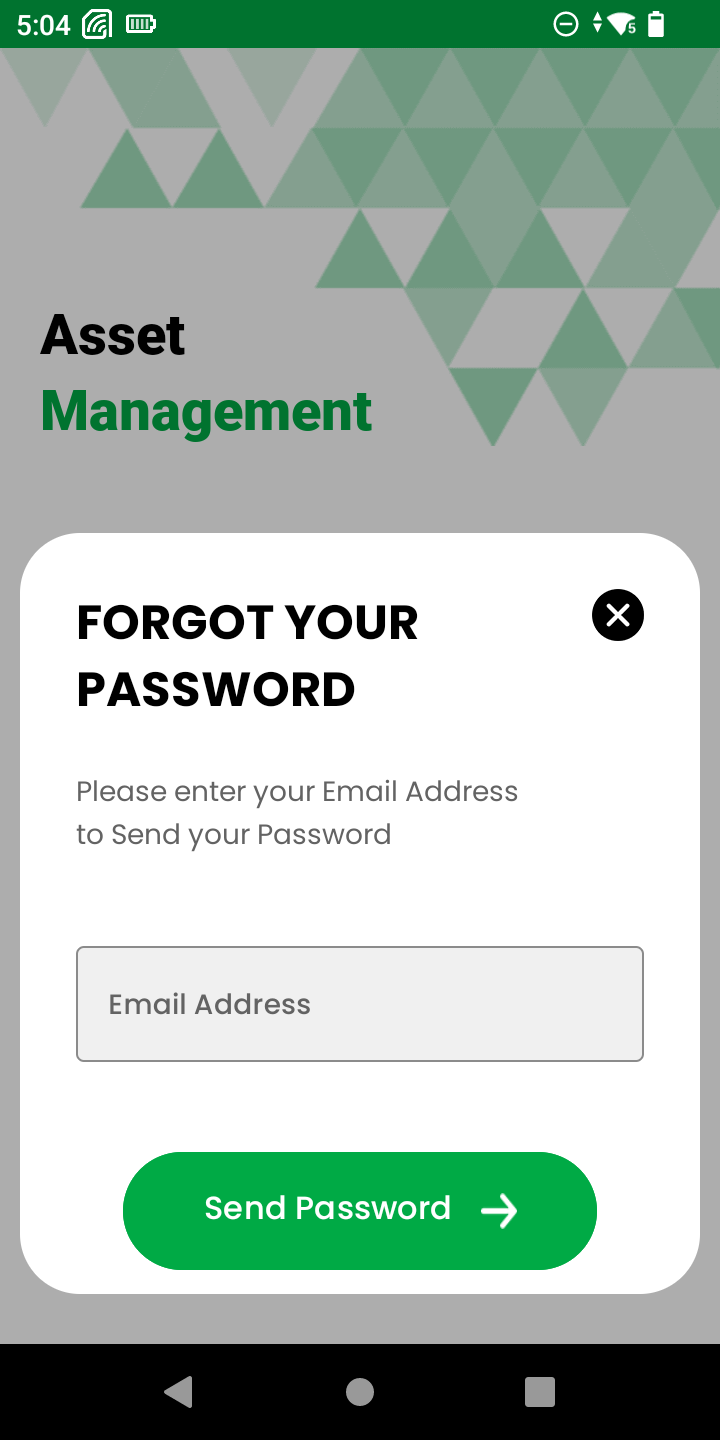
🔁 Forgot Password Screen
- Function: Helps users recover login credentials.
- Prompt: “Please enter your Email Address to send your password.”
- Action Button: Sends reset instructions to the provided email.
- Smooth modal interface with clean UX.